

Page Summary
-
Responsive display ads use a set of assets to generate ads for the Google Display Network.
-
Google uses machine learning to combine uploaded assets for optimal ad display.
-
Responsive display ads automatically adjust their size and format to fit various ad spaces.
-
You can use responsive display ads with dynamic remarketing by attaching a feed to your campaigns.
Responsive display ads are generated from a set of assets (images, headlines, descriptions, logos, and videos) for the Google Display Network.
The main features of responsive display ads are:
- You can upload your assets and Google uses a machine learning model to determine the optimal combination to show ads.
- Multiple assets can be uploaded per asset type. The ads that Google assembles automatically adjust their size, appearance, and format to fit available ad spaces.
- You can connect a Google Merchant Center product feed (using
Campaign.ShoppingSetting) or attach anAssetSetto your campaign to use responsive display ads with dynamic remarketing.
Format and visual layout
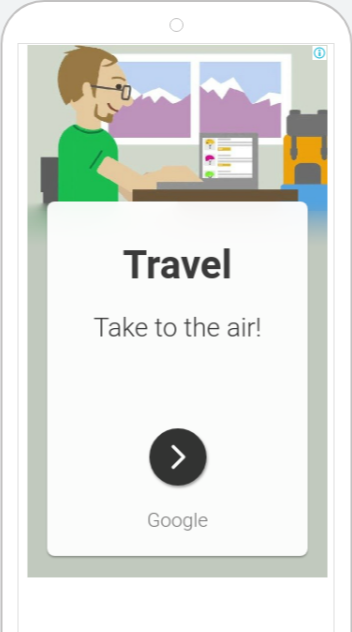
Here's an example of how Google assembles uploaded assets into a responsive display ad across desktop and mobile formats:
Construct a responsive display ad in the API
To create a responsive display ad using the Google Ads API:
- Upload your image and logo assets using
AssetService. - Create an
AdGroupAdusingAdGroupAdService.MutateAdGroupAds. - Populate
final_urlsand theresponsive_display_adfield on theAdobject with your headlines,long_headline, descriptions,business_name, and image asset references.
For a complete guide and code snippet, see Create responsive display ads.
Additional resources
To learn more about responsive display ads, check out the following Help Center articles: