Khi bạn sử dụng bản đồ vectơ trong Android, iOS hoặc JavaScript, các toà nhà sẽ sử dụng kiểu 3D bắt đầu từ mức thu phóng 17 trở lên theo mặc định. Nếu bạn chỉ muốn hiển thị đường viền 2D của các toà nhà để có giao diện gọn gàng hơn, hãy chọn kiểu Dấu chân.
Đặt kiểu toà nhà
Thu phóng bản đồ đủ để thấy các toà nhà.
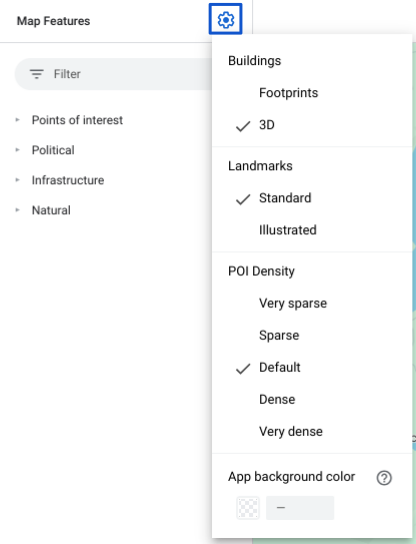
Trong bảng điều khiển Tính năng bản đồ, hãy chọn settings
biểu tượng bánh răng để mở trình đơn Cài đặt bản đồ.
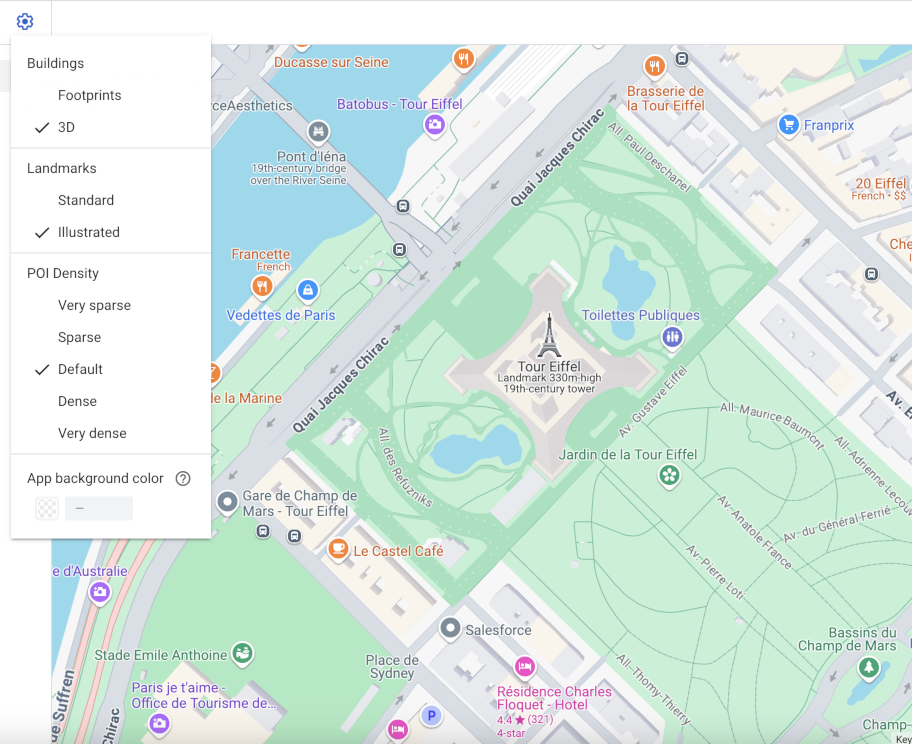
Để hiển thị các toà nhà có đường viền 3D, hãy chọn 3D:
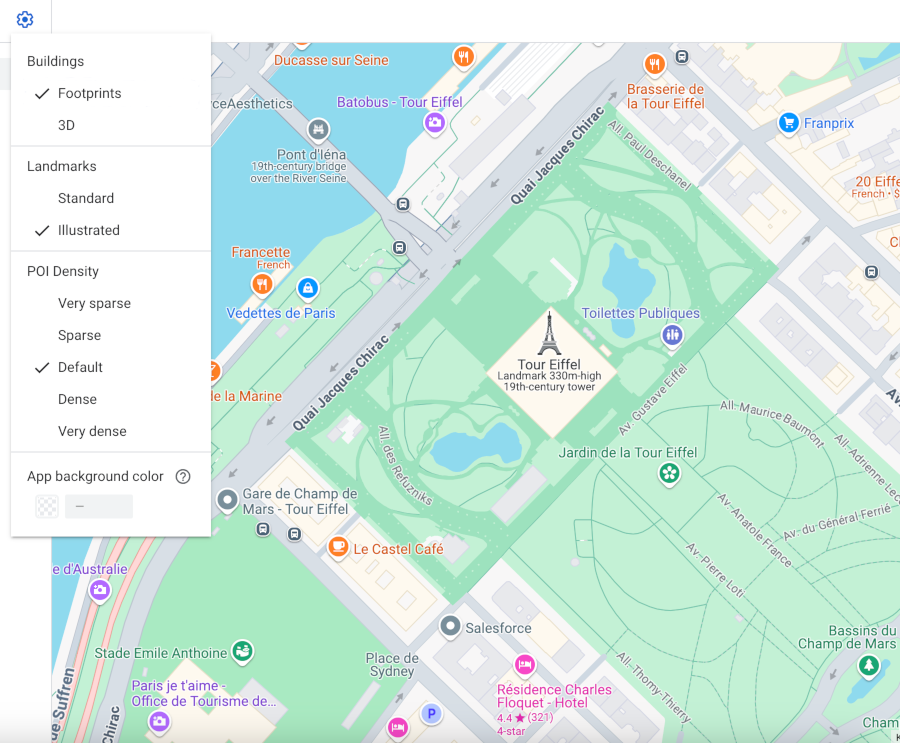
Để hiển thị các toà nhà có dấu chân 2D, hãy chọn Dấu chân:
[[["Dễ hiểu","easyToUnderstand","thumb-up"],["Giúp tôi giải quyết được vấn đề","solvedMyProblem","thumb-up"],["Khác","otherUp","thumb-up"]],[["Thiếu thông tin tôi cần","missingTheInformationINeed","thumb-down"],["Quá phức tạp/quá nhiều bước","tooComplicatedTooManySteps","thumb-down"],["Đã lỗi thời","outOfDate","thumb-down"],["Vấn đề về bản dịch","translationIssue","thumb-down"],["Vấn đề về mẫu/mã","samplesCodeIssue","thumb-down"],["Khác","otherDown","thumb-down"]],["Cập nhật lần gần đây nhất: 2026-07-12 UTC."],[],["Vector maps on Android, iOS, and JavaScript offer two building styles: 3D and Footprints. 3D style, enabled by default at zoom level 17 and higher, displays buildings with a 3D outline; stroke customization is unavailable. Footprints style shows 2D building outlines. To change the style, access the Style Editor, select the \"Buildings\" feature under \"Landscape, Human-made,\" and choose either 3D or Footprints. Color customizations for fill and stroke are available for both types, excluding stroke for the 3D style.\n"]]