
Places UI Kit
The Places UI Kit component library lets you bring the familiar Google Maps user experience for Places to your apps and web pages, using the same data that powers the Places API. It includes an individual UI component that can be used independently, together, or in conjunction with other Google Maps Platform APIs to deliver a Places-rich experience with minimal cost and code.
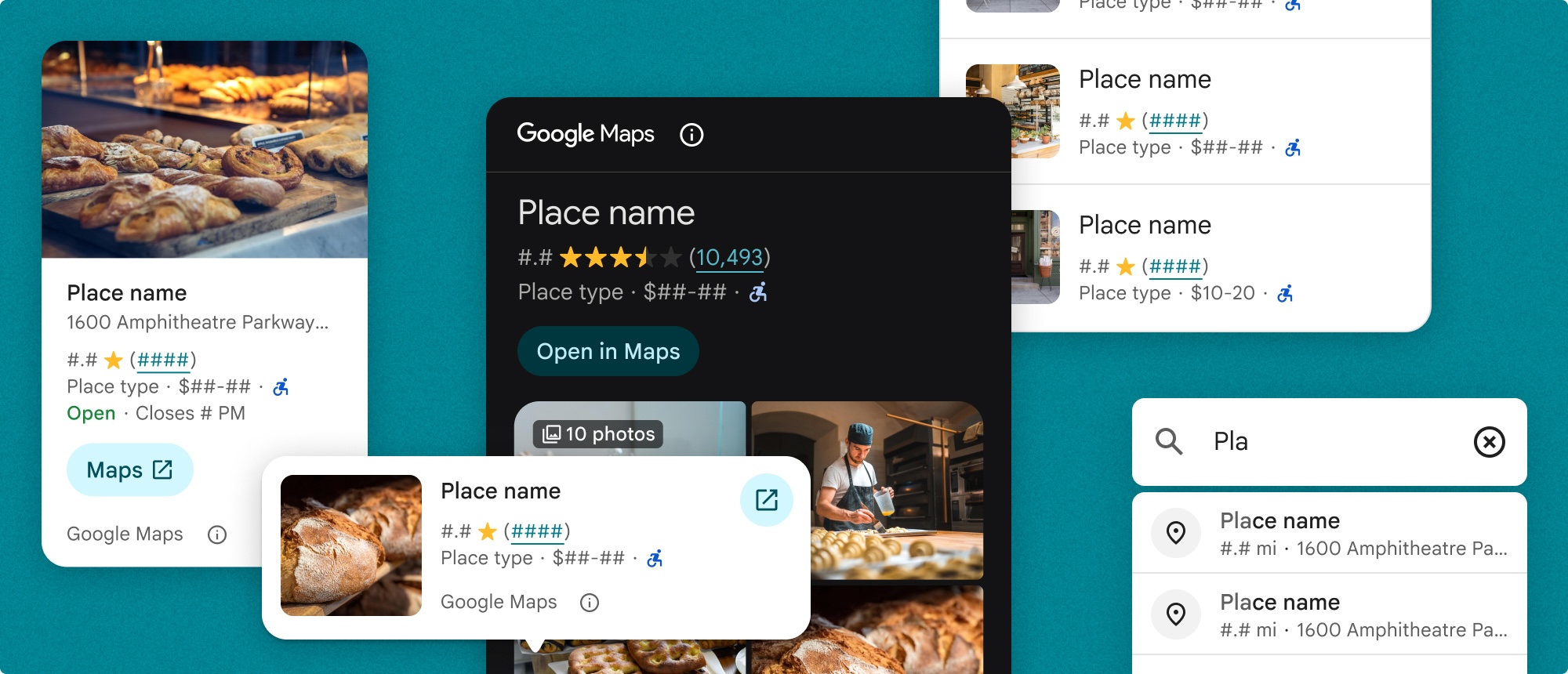
The Places UI Kit provides the following components for rendering Places data:
- Place Details renders details for a selected place.
- Advanced Place Details renders details for a selected place with advanced customization options.
- Basic Place Autocomplete returns a place ID in response to a request.
- Place Search displays customizable place-related search results in a horizontal or vertical list of place cards.
- Advanced Place Search displays customizable place-related search results with advanced customization options.
- Advanced Place List displays a list of places with customizable place cards.
Places UI Kit Essentials and Pro
Places UI Kit offers two tiers: Essentials and Pro. The Places UI Kit Essentials tier offers the Place Details, Basic Place Autocomplete, and Place Search components. The Pro tier offers the Advanced Place Details, Advanced Place Search, and Advanced Place List components, which provide the same functionality as the Essentials tier components, but with more customization options and advanced features.
The table below provides a detailed comparison of the Places UI Kit Essentials and Pro tiers:
| Capability | Places UI Kit Essentials | Places UI Kit Pro |
|---|---|---|
| Low code | ||
| Style customization | ||
| Content configuration | ||
| Place Details | ||
| Photos and reviews | ||
| Photo and review configurations | ||
| Button configurations | ||
| Custom place lists |
Billing
The following structs bill the Places UI Kit Pro SKU:
AdvancedPlaceListViewAdvancedPlaceDetailsViewAdvancedPlaceDetailsCompactViewAdvancedPlaceSearchView
Places UI Kit queries are billed per component instantiation, not based on the Places API data included in the response. There's no additional cost associated with any underlying API calls necessary to provide the response. For example, a Places UI Kit Nearby Search won't create any additional charges for returning photos of each place.