
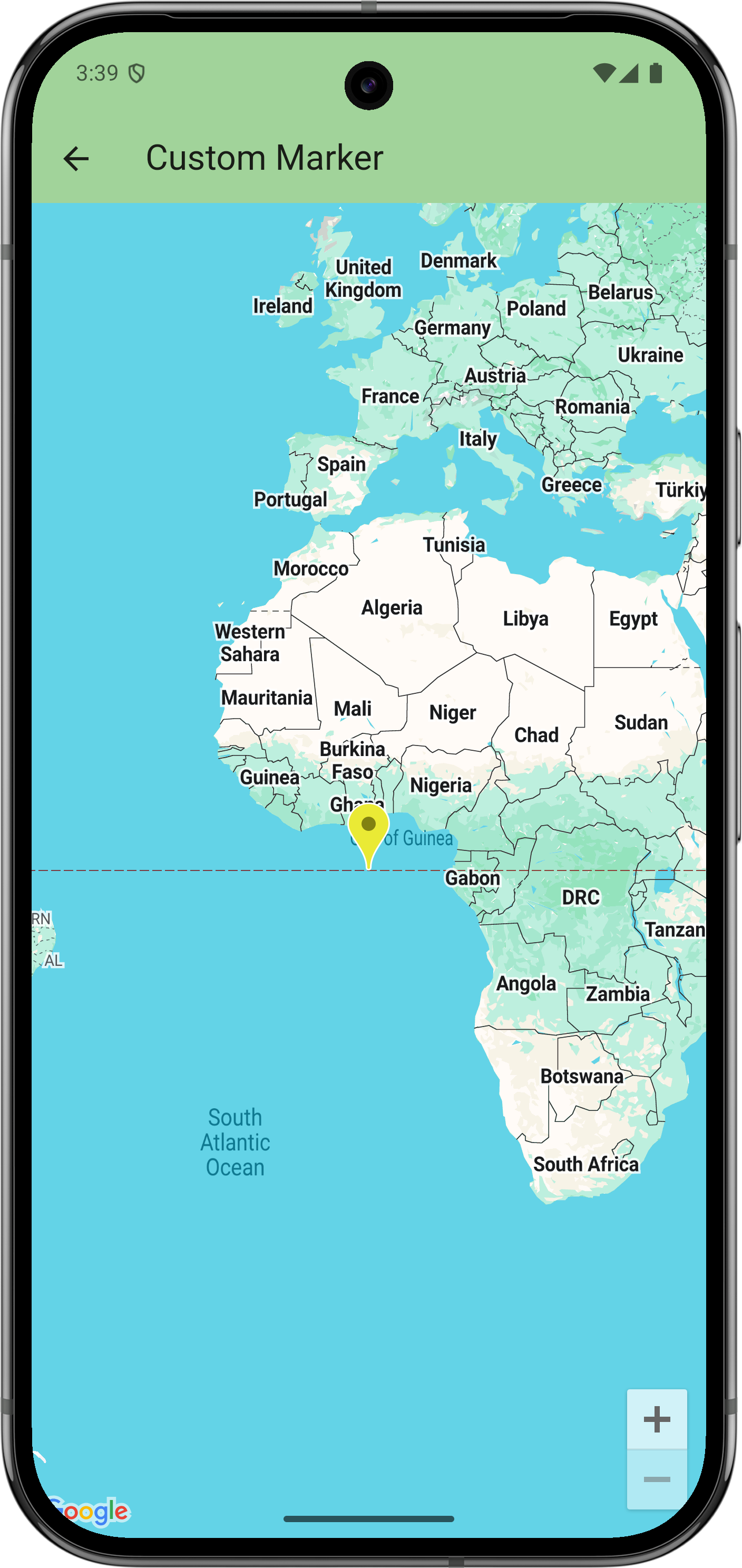
This example demonstrates how to use custom bitmaps for map markers.
Get started
Before you can try the sample code, you must configure your development environment. For more information, see Set up a Flutter project.
View the code
Dart
// Copyright 2025 Google LLC // // Licensed under the Apache License, Version 2.0 (the "License"); // you may not use this file except in compliance with the License. // You may obtain a copy of the License at // // https://www.apache.org/licenses/LICENSE-2.0 // // Unless required by applicable law or agreed to in writing, software // distributed under the License is distributed on an "AS IS" BASIS, // WITHOUT WARRANTIES OR CONDITIONS OF ANY KIND, either express or implied. // See the License for the specific language governing permissions and // limitations under the License. import 'package:flutter/material.dart'; import 'package:google_maps_flutter/google_maps_flutter.dart'; /// Shows advanced options of markers. class CustomMarkerSample extends StatefulWidget { const CustomMarkerSample({super.key}); @override State<CustomMarkerSample> createState() => _CustomMarkerSampleState(); } class _CustomMarkerSampleState extends State<CustomMarkerSample> { late Marker _marker = Marker( markerId: MarkerId('my_marker'), // Start with the default Google Maps pin, except yellow. // (Note: Hue isn't supported on all platforms.) icon: BitmapDescriptor.defaultMarkerWithHue(BitmapDescriptor.hueYellow), onTap: _changeIcon, ); @override Widget build(BuildContext context) { return GoogleMap( initialCameraPosition: CameraPosition(target: LatLng(0, 0)), markers: {_marker}, ); } void _changeIcon() async { // Set up the image configuration for the new icon, including its size. final imageConfiguration = createLocalImageConfiguration( context, size: Size(42, 52), ); // Load the icon image from an asset. // Alternatively, you can create the icon with BitmapDescriptor.bytes(), // which allows loading from network or using a CustomPainter. final assetIcon = await BitmapDescriptor.asset( imageConfiguration, 'assets/icon_flutter.png', ); setState(() { // Modify the existing marker with the new icon and set its anchor // to center. _marker = _marker.copyWith( iconParam: assetIcon, anchorParam: const Offset(0.5, 0.5), ); }); } }
Next steps
View the complete set of samples on GitHub:
Alternatively, clone the full set of samples and fetch the package dependencies:
git clone -b flutter_samples https://github.com/googlemaps-samples/flutter-maps-samples.gitcd flutter-samplesflutter pub get