
樣式化媒體接收器 (SMR) 可讓傳送者應用程式在以下裝置上播放媒體: 投放裝置,無需建立自訂接收器應用程式。你可以 提供自己的 CSS 檔案,自訂 SMR 的色彩配置和品牌宣傳內容 。
註冊
如要為應用程式使用 SMR,請選取「樣式化媒體接收器」選項 您可以在 Google Cast SDK 開發人員控制台。 詳情請參閱註冊。這個選項 包含「預覽」預設樣式表的連結,以及含有 您輸入樣式表的網址您可以選擇使用預設樣式,或是 請提供 CSS 檔案的 HTTPS 網址您可以使用自己的伺服器 CSS 檔案提供 CSS 檔案的網址後,即可按一下「預覽」。 看看樣式在接收器上呈現的樣貌
支援的媒體
所有接收器都支援媒體類型, 支援的媒體。
SMR 支援影片、音訊和圖像,並由傳送者控管 投放應用程式。SMR 完全遵守 使用者體驗指南:在投放裝置上播放媒體。
輸入字型
如需這份清單,請參閱預先安裝的字型。 已經預先安裝在接收器的字型上
CSS
樣式媒體接收器使用下列 CSS 類別:
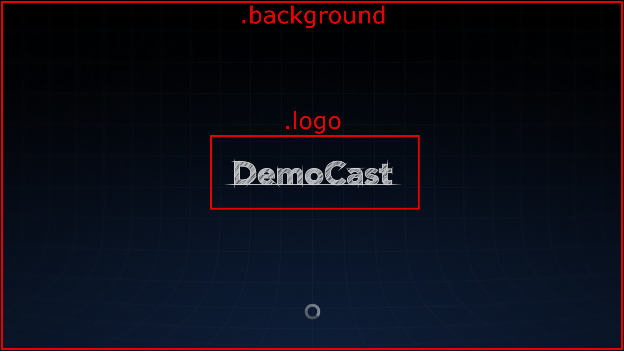
- .background:接收器的背景。
- .logo:接收器啟動時顯示的標誌。本課程也 接收器處於閒置狀態,且沒有 .splash 類別的情況下使用 宣告。
- .progressBar:媒體播放進度列。
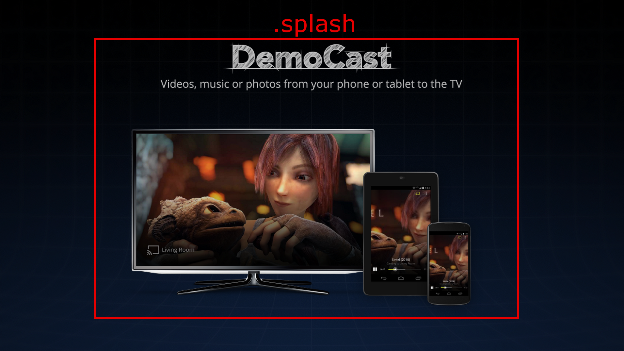
- .splash:接收器處於閒置狀態時顯示的畫面。如果這是 未宣告類別,則接收器將預設為 .logo 或應用程式名稱。
- .watermark:播放媒體時顯示的浮水印。
以下是使用這些類別的 CSS 檔案範例:
.background {
  background: center no-repeat url(background.png);
}

.logo {
  background-image: url(logo.png);
}

.progressBar {
  background-color: rgb(238, 255, 65);
}

.splash {
  background-image: url(splash.png);
}

.watermark {
  background-image: url(watermark.png);
  background-size: 57px 57px;
}
以下是使用中這些類別的一些插圖。
影片
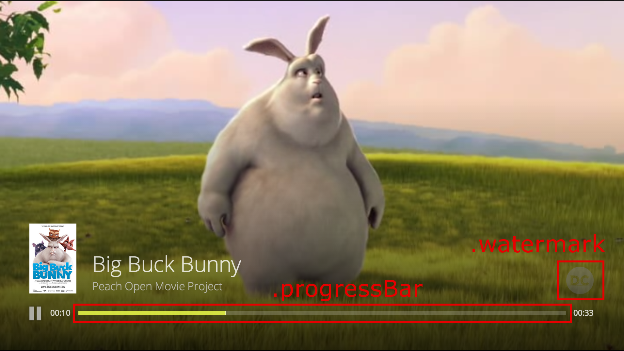
注意:影片圖片檔的大小為 96x143 像素,而第一個圖片資源 與媒體中繼資料相關聯,以供顯示。圖片會調整為 以符合預期尺寸
音訊
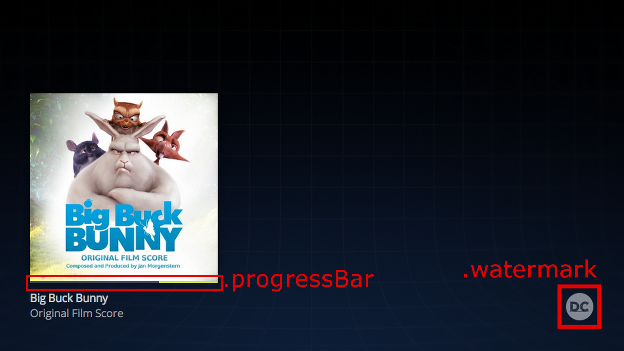
注意:音訊專輯封面大小為 384x384 像素,且第一個圖片資源 與媒體中繼資料相關聯,以供顯示。圖片會調整為 以符合預期尺寸
來自 Big Buck Bunny 的圖片:(c) copyright 2008 Blender Foundation / www.bigbuckbunny.org
Sintel 的影像:(c) copyright Blender Foundation / www.sintel.org