

شروع کنید
قبلاز اینکه بتوانید کد نمونه را امتحان کنید، باید محیط توسعهتان را پیکربندی کنید. برای اطلاعات بیشتر، راهاندازی پروژه Flutter را ببینید.
مشاهده کد
Dart
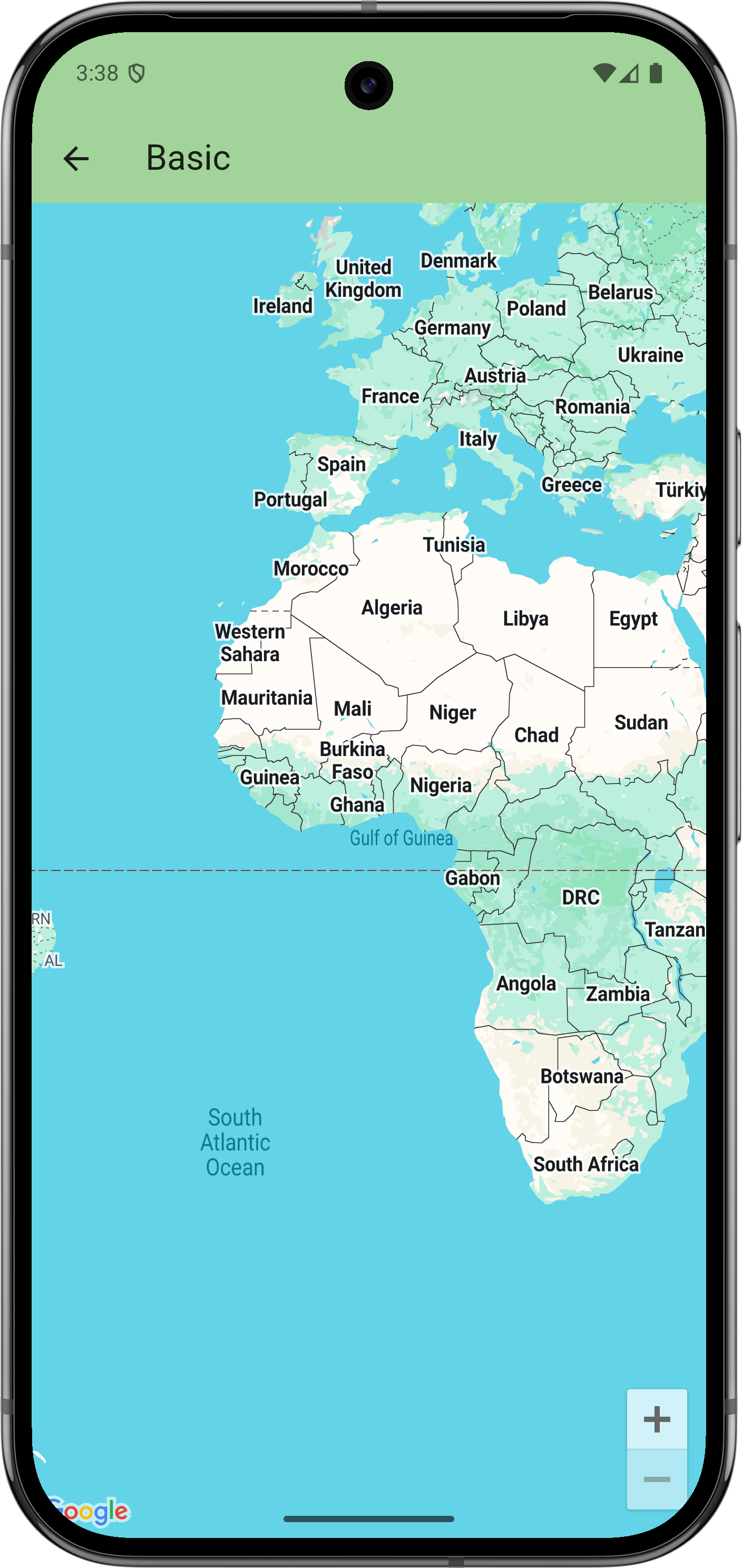
// Copyright 2025 Google LLC // // Licensed under the Apache License, Version 2.0 (the "License"); // you may not use this file except in compliance with the License. // You may obtain a copy of the License at // // https://www.apache.org/licenses/LICENSE-2.0 // // Unless required by applicable law or agreed to in writing, software // distributed under the License is distributed on an "AS IS" BASIS, // WITHOUT WARRANTIES OR CONDITIONS OF ANY KIND, either express or implied. // See the License for the specific language governing permissions and // limitations under the License. import 'package:flutter/material.dart'; import 'package:google_maps_flutter/google_maps_flutter.dart'; /// This example creates a map using the [GoogleMap] widget. class BasicSample extends StatelessWidget { const BasicSample({super.key}); @override Widget build(BuildContext context) { return GoogleMap( // The only required argument is the initial position. initialCameraPosition: CameraPosition(target: LatLng(0, 0)), ); } }
مراحل بعدی
مجموعه کامل نمونهها را در GitHub مشاهده کنید:
یا اینکه مجموعه کامل نمونهها را شبیهسازی کنید تا با اجرای فرمانهای زیر آنها را بهصورت محلی اجرا کنید:
git clone -b flutter_samples https://github.com/googlemaps-samples/flutter-maps-samples.gitcd flutter-samplesflutter pub get