On Android N or higher, ad calls are visible in Charles proxy only when the following steps are performed:
- Install Charles SSL certificate on your device, and set up proxy.
- Enable SSL Proxy for your mobile app.
Install Charles SSL certificate on your device, and set up proxy
To use Charles as a proxy for your app, download and install Charles on your computer.
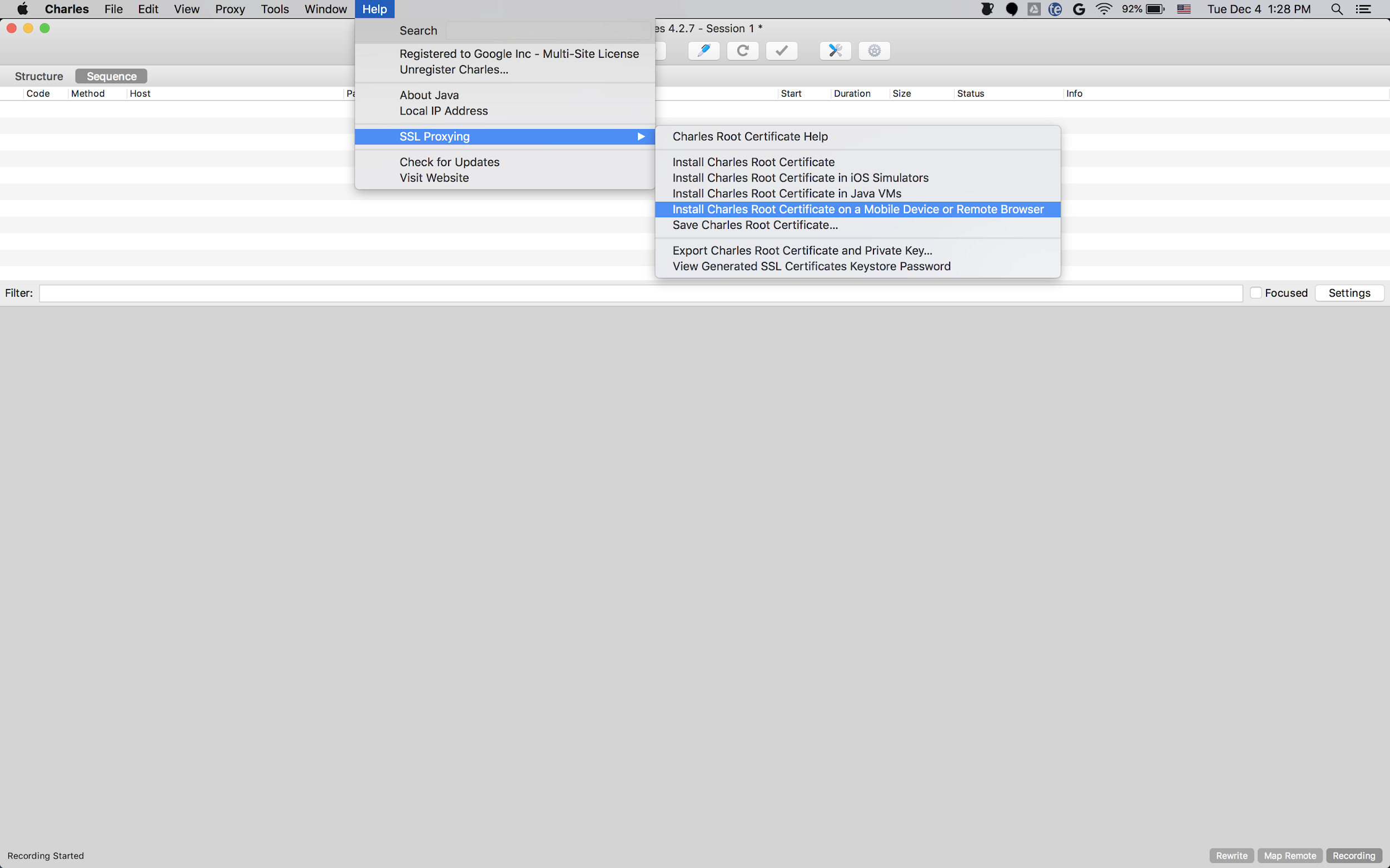
To save the certificate as a .pem or .cer file, select
Help > SSL Proxying > Save Charles Root Certificate. To install the
certificate on your device, follow the prompts in Help > SSL Proxying.
If you use an
Android emulator with a proxy,
set the proxy address to http://127.0.0.1. Set the port to the value shown in
Charles from Proxy > Proxy Settings.
If you use a physical device, connect the device to the same Wi-Fi network as your computer. To set up the proxy, open your device's advanced network settings. For details, see Connect to Wi-Fi networks on your Pixel phone. In Charles, select Help > Local IP Address to find your IP address. On your device, enter the IP address from Charles and the Charles port as the proxy.
Enable SSL proxy for your mobile app
For Charles to intercept your mobile app's SSL traffic, declare
that your app can trust an SSL certificate. You can trust a user-installed
certificate or embed the Charles certificate as a raw resource in your app. For
example, you can save the certificate in your res/raw/charles_cert.pem file.
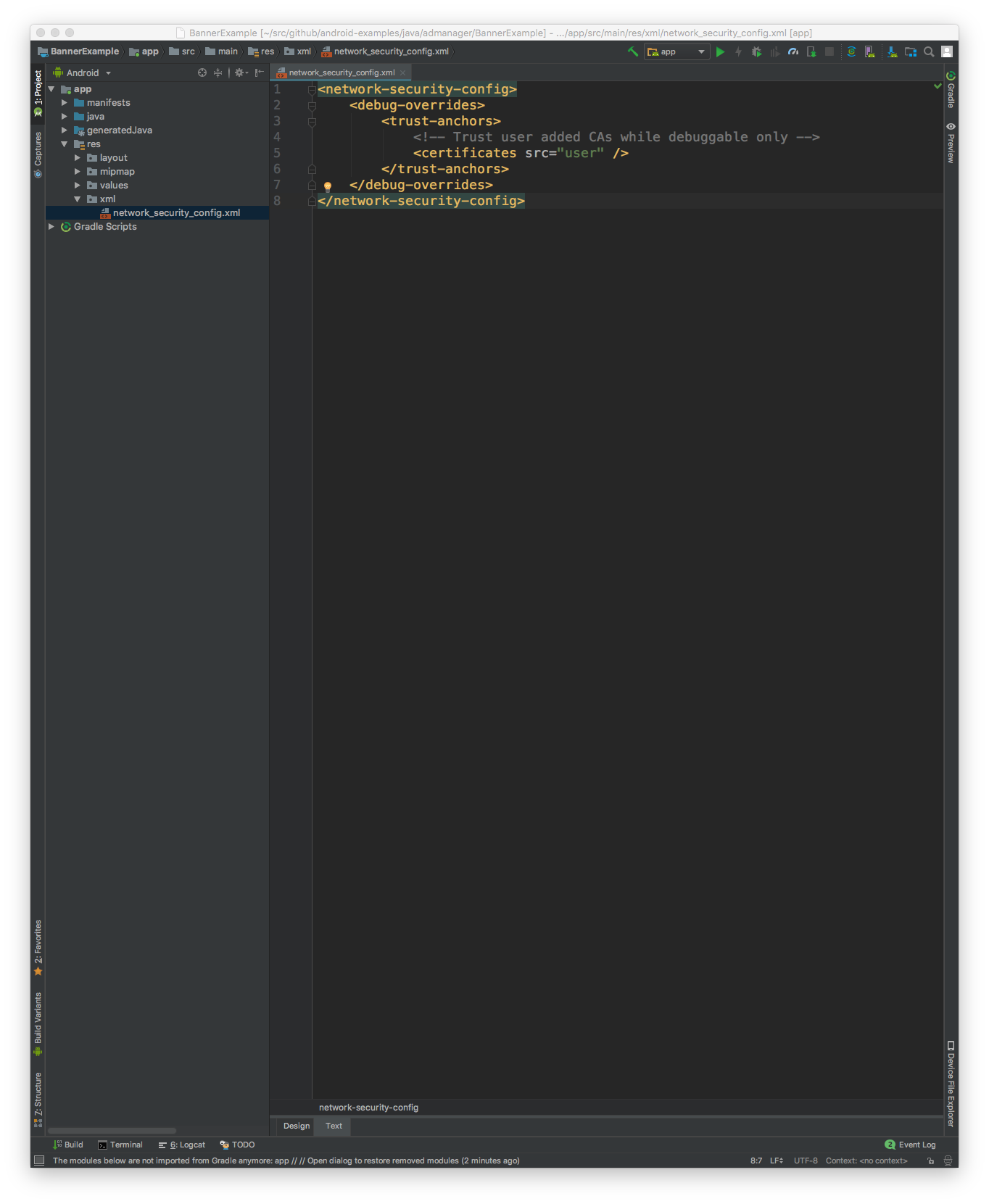
First, add a new XML resource file for
Network Security Configuration
in your res/xml/network_security_config.xml file:
<network-security-config>
   <debug-overrides>
       <trust-anchors>
           <!-- Trust Charles SSL certificate stored in res/raw -->
           <certificates src="@raw/charles_cert" />
           <!-- Trust user added CAs while debuggable only -->
           <certificates src="user" />
       </trust-anchors>
   </debug-overrides>
</network-security-config>
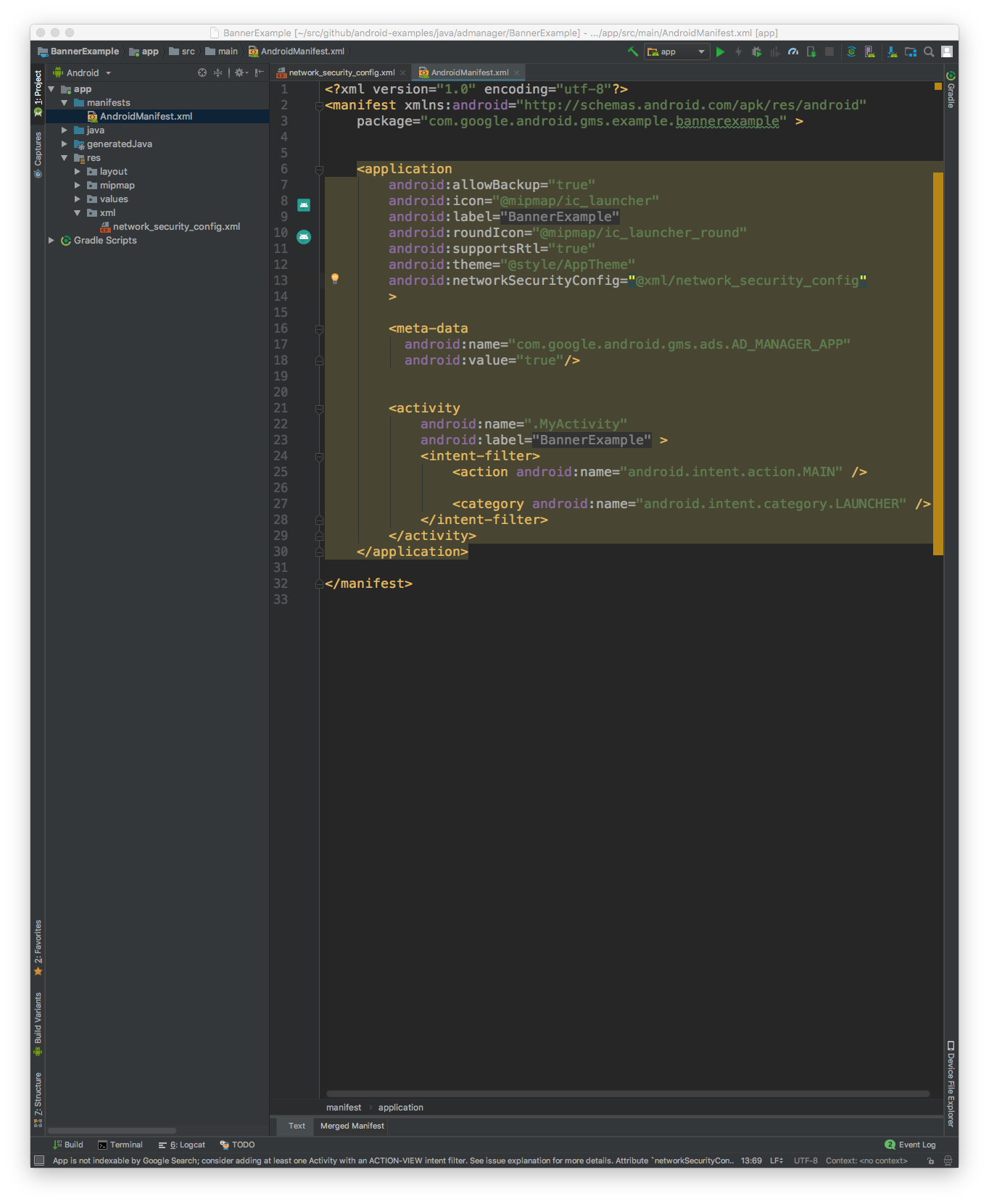
Next, update the AndroidManifest.xml file to use the network security
configuration.
<?xml version="1.0" encoding="utf-8"?>
<manifest ... >
    <application ...
                 android:networkSecurityConfig="@xml/network_security_config"
                 ... >
        ...
    </application>
</manifest>
After that, you can launch the mobile app and look for ad requests in the Charles log.