

BigQuery の毎日(高頻度)エクスポートを使用すると、一部の traffic_source フィールドに Data Not Available が表示されることがあります。このガイドでは、既存のエクスポートで不足しているトラフィック ソース データのほとんどを、利用可能になり次第(通常は毎日午前 5 時までに)自動的にバックフィルする方法について説明します。
バックフィルを自動化する手順は次のとおりです。
- BigQuery から毎日完全性シグナルをリッスンします。
- BigQuery Export で、トラフィック ソース データがないイベントを特定します。
- Google 広告から、それらのイベントの完全なデータをクエリします。
- 完全なイベントデータを BigQuery Export と結合します。
Pub/Sub トピックの作成
- Google Cloud コンソールの左側のナビゲーション メニューで [Pub/Sub] を開きます。[Pub/Sub] が表示されない場合は、Google Cloud コンソールの検索バー(
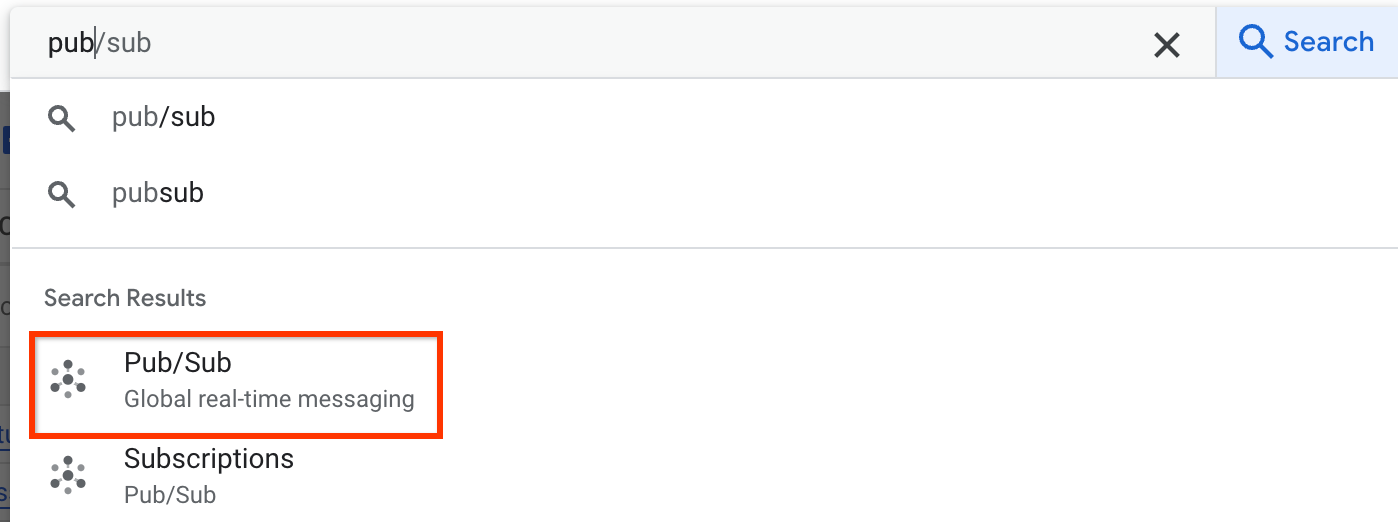 )で検索します。
 - [トピック] タブで [+ トピックを作成] をクリックします。
![[トピックを作成] ボタン](https://developers-dot-devsite-v2-prod.appspot.com/static/analytics/bigquery/images/create-topic.png?authuser=9&hl=ja)
- [トピック ID] フィールドに名前を入力します。
- [デフォルトのサブスクリプションを追加する] を選択し、他のオプションは空白のままにします。
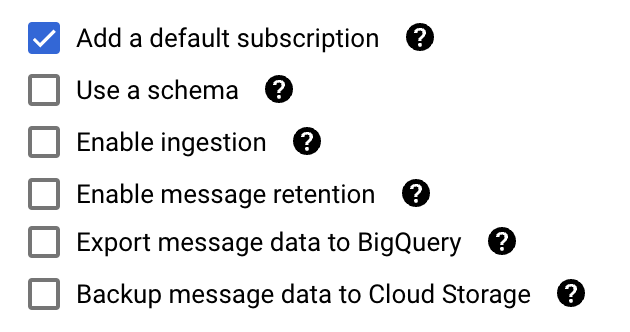
- [作成] をクリックします。
ログルーター シンクを作成する
- Google Cloud コンソールで [ログルーター] を開きます。
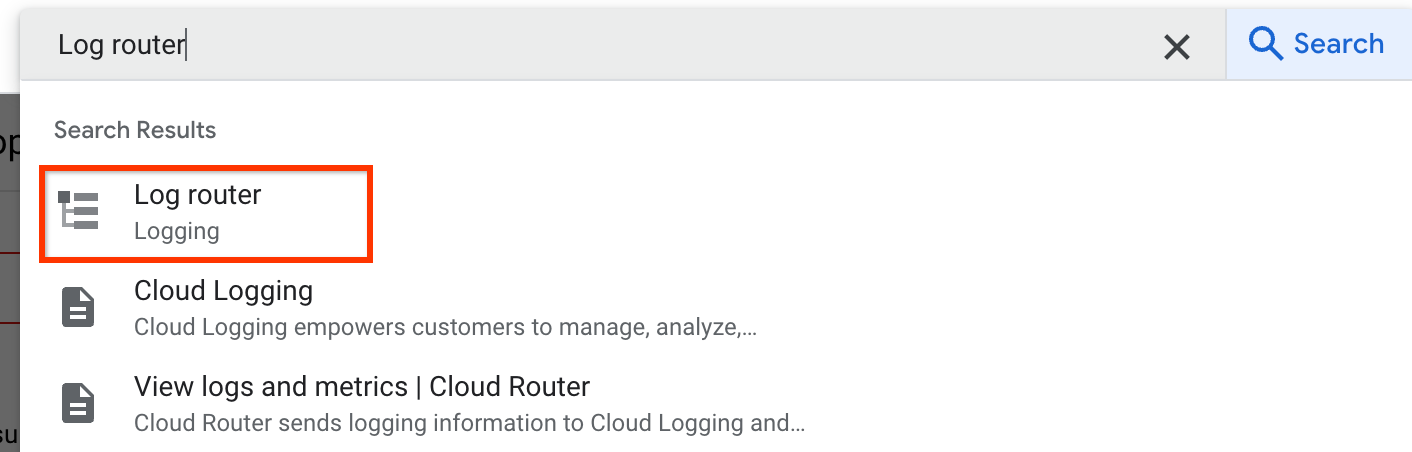
- [シンクを作成] をクリックします。

- シンクの名前と説明を入力し、[次へ] をクリックします。
- シンクサービスとして [Cloud Pub/Sub トピック] を選択します。
- 作成したトピックを選択し、[次へ] をクリックします。
[包含フィルタの作成] に次のコードを入力します。
logName="projects/YOUR-PROJECT-ID/logs/analyticsdata.googleapis.com%2Ffresh_bigquery_export_status"YOUR-PROJECT-ID は、Google Cloud コンソール プロジェクトの ID に置き換えます。
[次へ]、[シンクを作成] の順にクリックします。ログをフィルタする必要はありません。
シンクが [ログルーター シンク] の下に表示されていることを確認します。
不足しているデータを結合する
Cloud Run 関数を使用して、Pub/Sub が完全性シグナルを検出したときに、トラフィック ソースデータをバックフィルするコードを自動的に実行します。
- Cloud Run 関数を開きます。
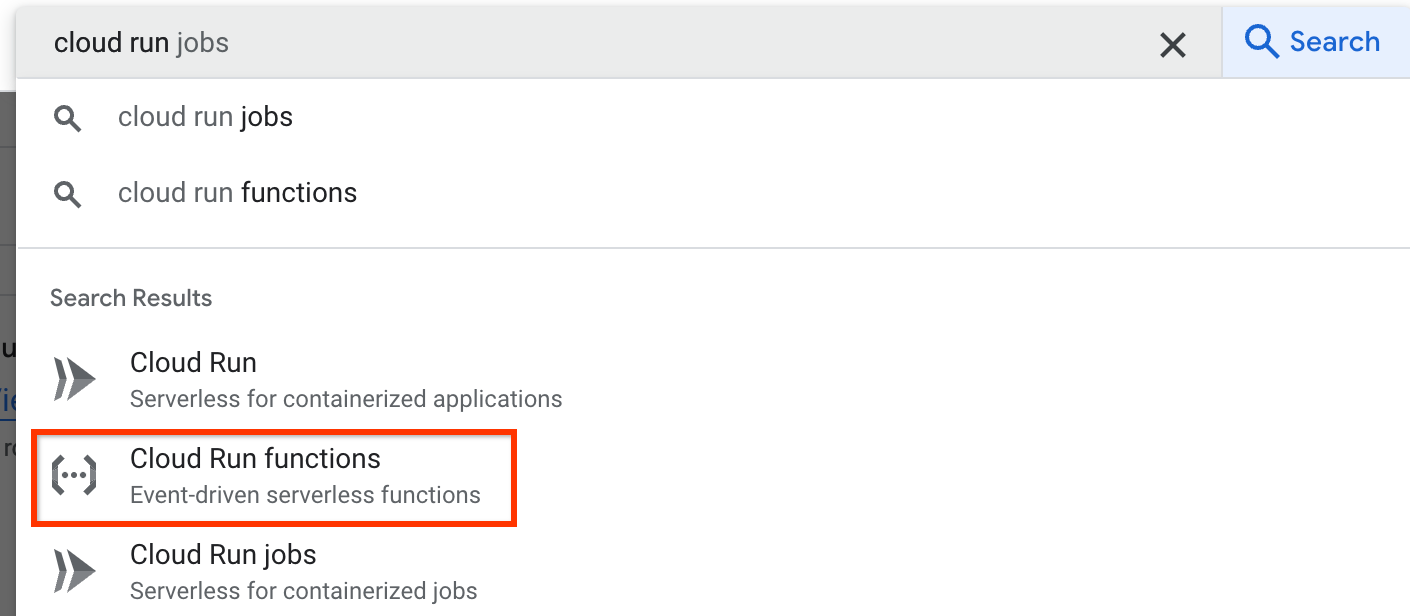
- [CREATE FUNCTION] をクリックします。

- [環境] で [Cloud Run 関数] を選択します。
- 関数の名前を入力します。
- [トリガーのタイプ] として [Cloud Pub/Sub] を選択し、[Cloud Pub/Sub トピック] として作成したトピックを選択します。
- [次へ] をクリックし、Google 広告のアトリビューション データと BigQuery エクスポートを結合するコードを入力します。